there.min
a modern low-profile theremin using a HC-SR04 and processing.
what i had to do
For my tangible interactions class, we we're tasked to create a "music machine" using a adafruit esp32 feather and some sort of inputs. We had the choice to use buttons, sliders, or in my case, ultrasonic sensors (because I asked).
Here's the exact brief:
Create a music-making system using Arduino to connect triggers and controls and Processing to play sounds. You will need to use the Sound library for Processing.
Specifics to answer/design for
- Start with the mode: will this be used for live performance or pre-recorded music?
- How will use make the noise: by triggering sampled audio files or by making synthetic sounds yourself?
- What kind of visuals will accompany your music? Consider the interface: Which sensors will you use and which parameters will they control?
- How will the controls be laid out? Make an enclosure out of cardboard to house your Arduino and attach your triggers and controls to it.

how i kicked it off
I decided early on to make a low-profile theremin just because they're really cool. I wanted my music machine to be built around the hand sensor to have a "touchless" music experience. The theremin is an interesting and unique sounding instrument, so I wanted to revisit what controls could bring out more experimental sounds in my build.
Analyzing the theremin
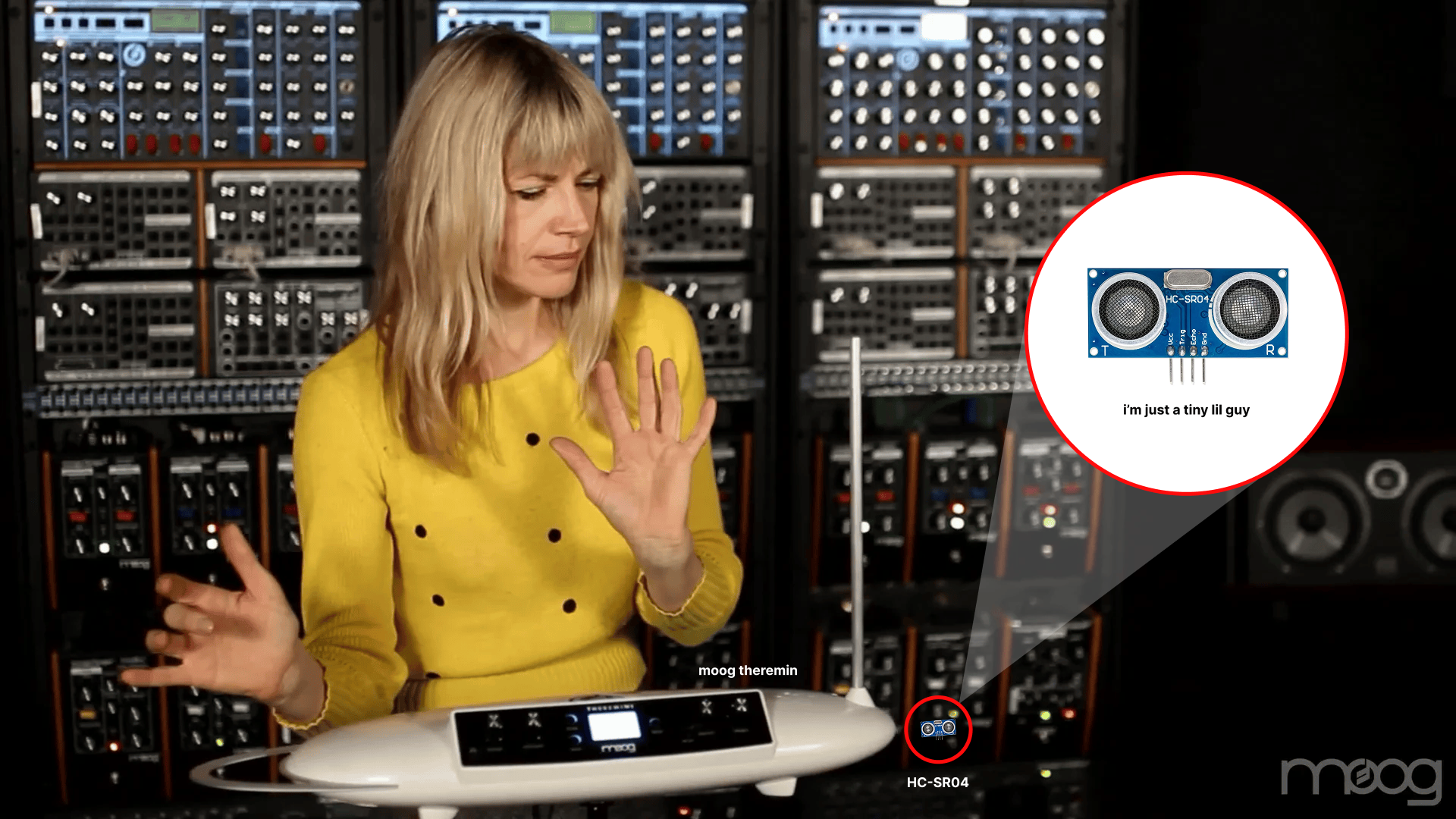
To design my take on the theremin, I needed to understand how it worked and what components we're irreplaceable to make it what it truly is. From some general research and an hour of watching people play their theremin on youtube, I got a good grasp of what my machine needed to do.
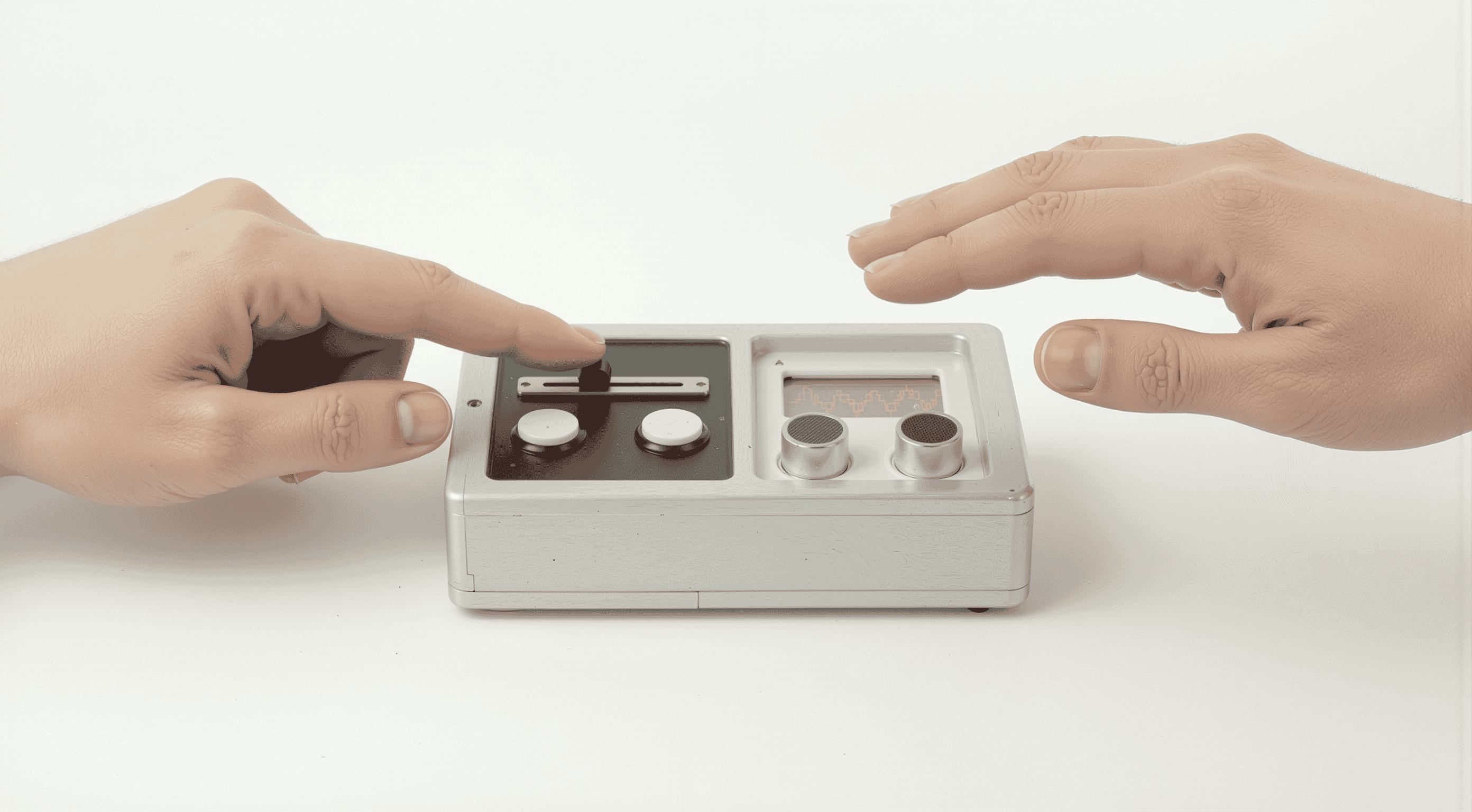
You play the air. Left hand sculpts volume. Right hand hunts pitch. It's an act of coordination. If I lost this division of control it wouldn't be a theremin.
Theremins are big. I wanted weirdness I could throw in a bag. The challenge was condensing the physical footprint without cramping the invisible playing field.
The original interface is blind; you're guessing the note. Adding a visualizer would enhance functionality. This would turn gestures into real-time data to perfect the sound.
Analog theremins use capacitance. My build would use sonar and code. The hardest part would be tuning the code to mimick the fluid behavior of an electromagnetic field.
how i built it
Getting things working in Arduino
I began the build by wiring the physical interface, connecting two tactile buttons, a fader potentiometer, and the HC-SR04 ultrasonic sensor to the Arduino Uno R4 WiFi.
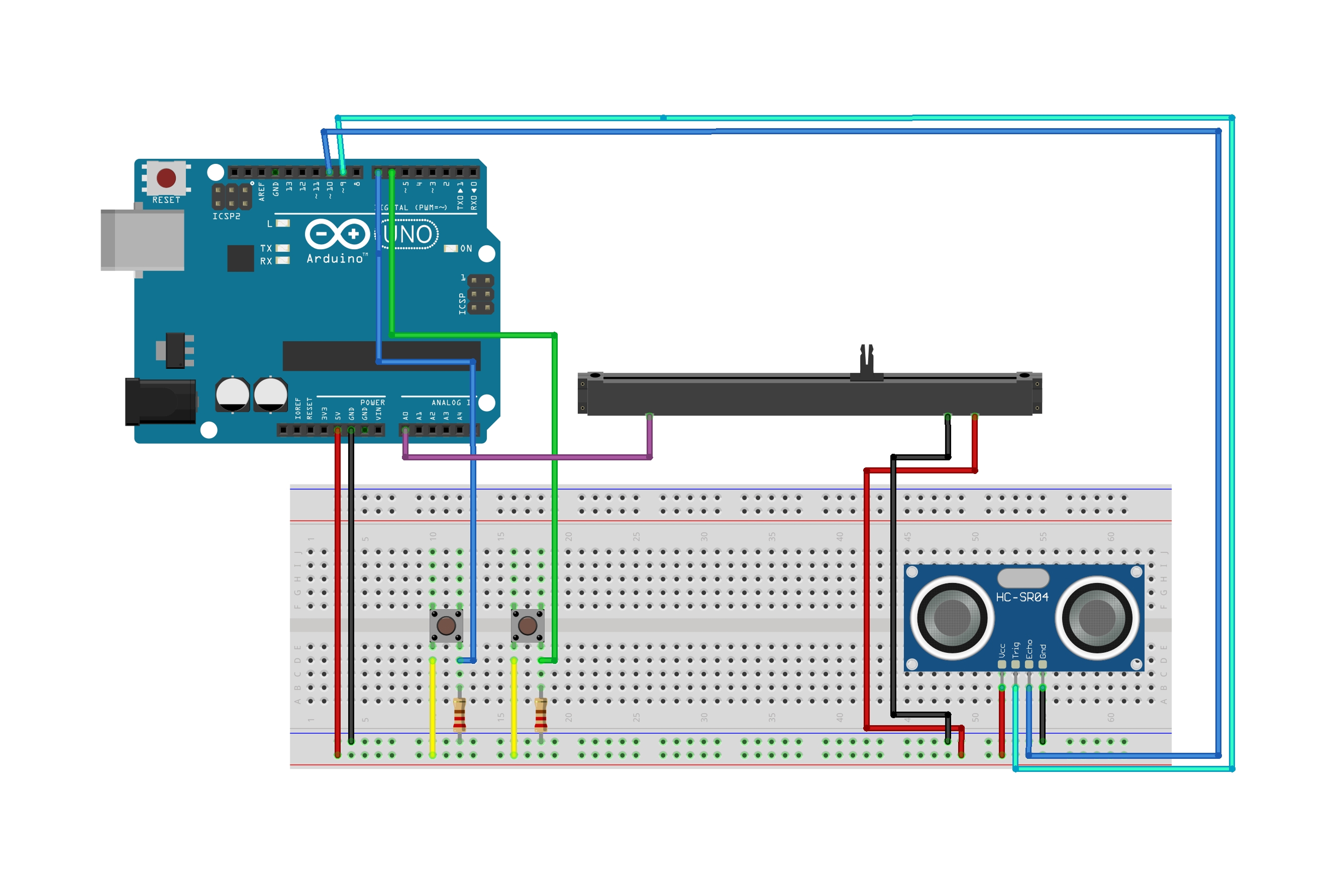
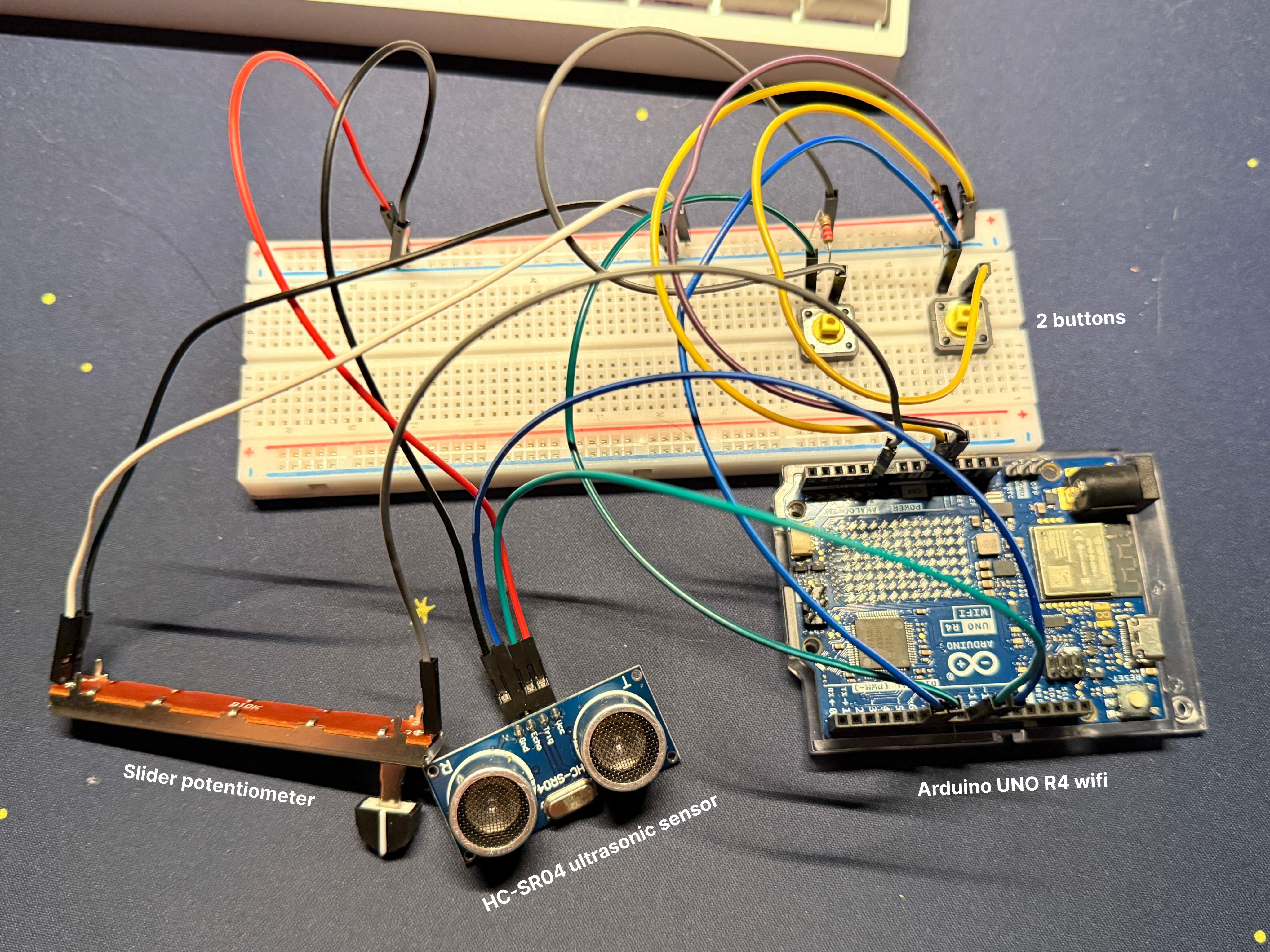
To verify the connections, I wrote a basic script in Arduino that outputted raw serial data, allowing me to confirm that all components were powered and registering inputs correctly. Once the hardware was validated, I calibrated the ultrasonic sensor by testing its tracking capabilities at different distances, ultimately finding golden zone of approximately 50-60 cm.
Coding the interface in Processing
The Arduino acted solely as a telemetry unit, the raw sensor data required significant conditioning before it could be mapped to sound.
// In serialEvent()
// The raw telemetry arrives as a string, is trimmed, and split into data points.
String incoming = conn.readString();
if (incoming != null) {
  incoming = trim(incoming);
  String[] data = split(incoming, ',');

  // Parse the raw sensor values
  float rawDist = float(data[0]);
  float potRaw = float(data[1]);
  // ...
}
I implemented a median filter to reject erratic sensor noise
// In serialEvent()
// History buffer with the last 7 readings...
history[historyIdx] = rawDist;
historyIdx = (historyIdx + 1) % history.length;

// ...and sort them to find the median. Helps to ignore glitchy outliers.
float[] sorted = sort(history);
float medianDist = sorted[history.length / 2];
then I applied a linear interpolation to smooth the distance readings, creating a fluid 'portamento' effect that mimics the glide of an analog theremin.
// In draw()
// lerp to frequency.
// 0.15 to feel analog.
currentFreq = lerp(currentFreq, targetFreq, 0.15);
currentAmp = lerp(currentAmp, targetAmp, 0.2);
For the sound engine, I utilized sine wave oscillators, mapping the smoothed distance to frequency and the slider potentiometer to amplitude.
// Mapping physics to sound
float d = constrain(smoothedDist, 5, 50);
float rawNote = map(d, 5, 50, 88, 52); // Map cm to MIDI notes

// Convert scale degree to Frequency (Hz)
targetFreq = 440 * pow(2, (currentNote - 69) / 12.0);

// Map Slider to Volume
float sliderVol = map(potRaw, 0, 1023, 0.0, 0.8);
To enhance the sonic texture, I programmed a logic system where the buttons engage additional oscillators tuned to octaves and fifths.
void updateAudio() {
  // Harmonic 1: Octave (2x Frequency)
  if (harmonicLevel >= 1) {
    sine2.freq(currentFreq * 2.0);
    sine2.amp(currentAmp * 0.4);
  }

  // Harmonic 2: Perfect Fifth (1.5x Frequency)
  if (harmonicLevel >= 2) {
    sine3.freq(currentFreq * 1.5);
    sine3.amp(currentAmp * 0.3);
  }
}
Finally, to compensate for the lack of tactile feedback, I designed a real-time visual dashboard that displays a chromatic pitch guide and waveform monitor, allowing for precise tracking of the invisible notes.
void draw() {
  // ...
  drawPitchGuide(); // Draws the reference lines

  // The Waveform Monitor
  beginShape();
  for (int x = 0; x < width-60; x+=4) {
    // Map the audio frequency to visual wavelength
    float angle = map(x, 0, width, 0, TWO_PI * (currentFreq / 60.0)) - (frameCount * 0.2);
    float y = sin(angle);

    // Visually represent the added harmonics
    if (harmonicLevel >= 1) y += sin(angle * 2.0) * 0.5;
    if (harmonicLevel >= 2) y += sin(angle * 1.5) * 0.4;

    vertex(x, height/2 + y);
  }
  endShape();
}
how it came out
The performance!
To validate the system, I recorded a demonstration using both a standard camera and my Apple Vision Pro to capture the user experience from multiple perspectives. The standard footage confirms the responsiveness of the ultrasonic tracking, showing how the hand's distance directly modulates the pitch with minimal audible stepping due to the smoothing algorithms.
The performance! (but in VR)
The VR recording provides a first-person view of the spatial interaction, creating a feedback loop where the physical instrument and digital audio generation are bridged. While there is a small latency inherent to the sensor's processing time, the median filter successfully stabilizes the pitch, preventing the large signal jumps observed from initial raw data tests.
Exploring the industrial design
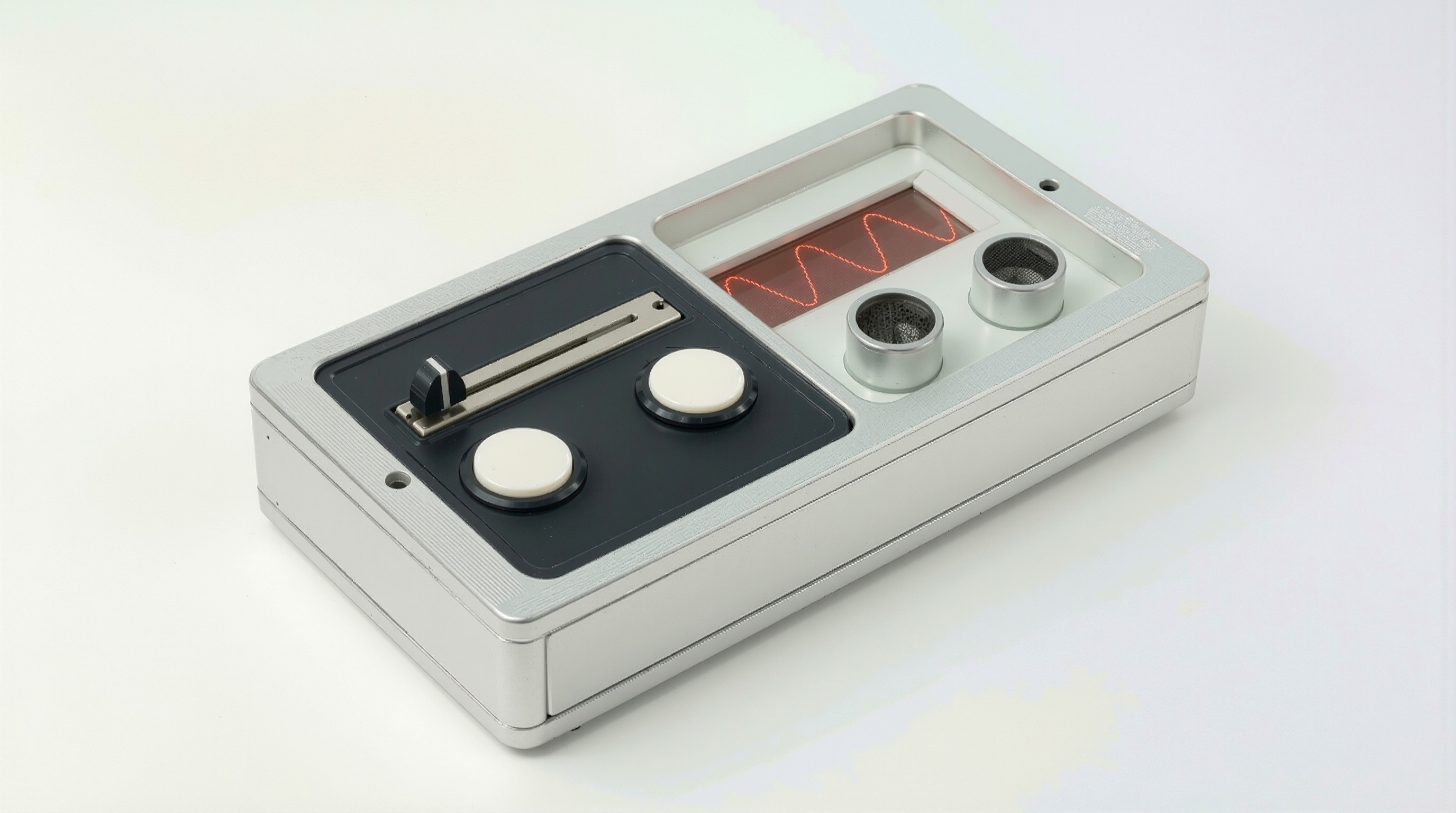
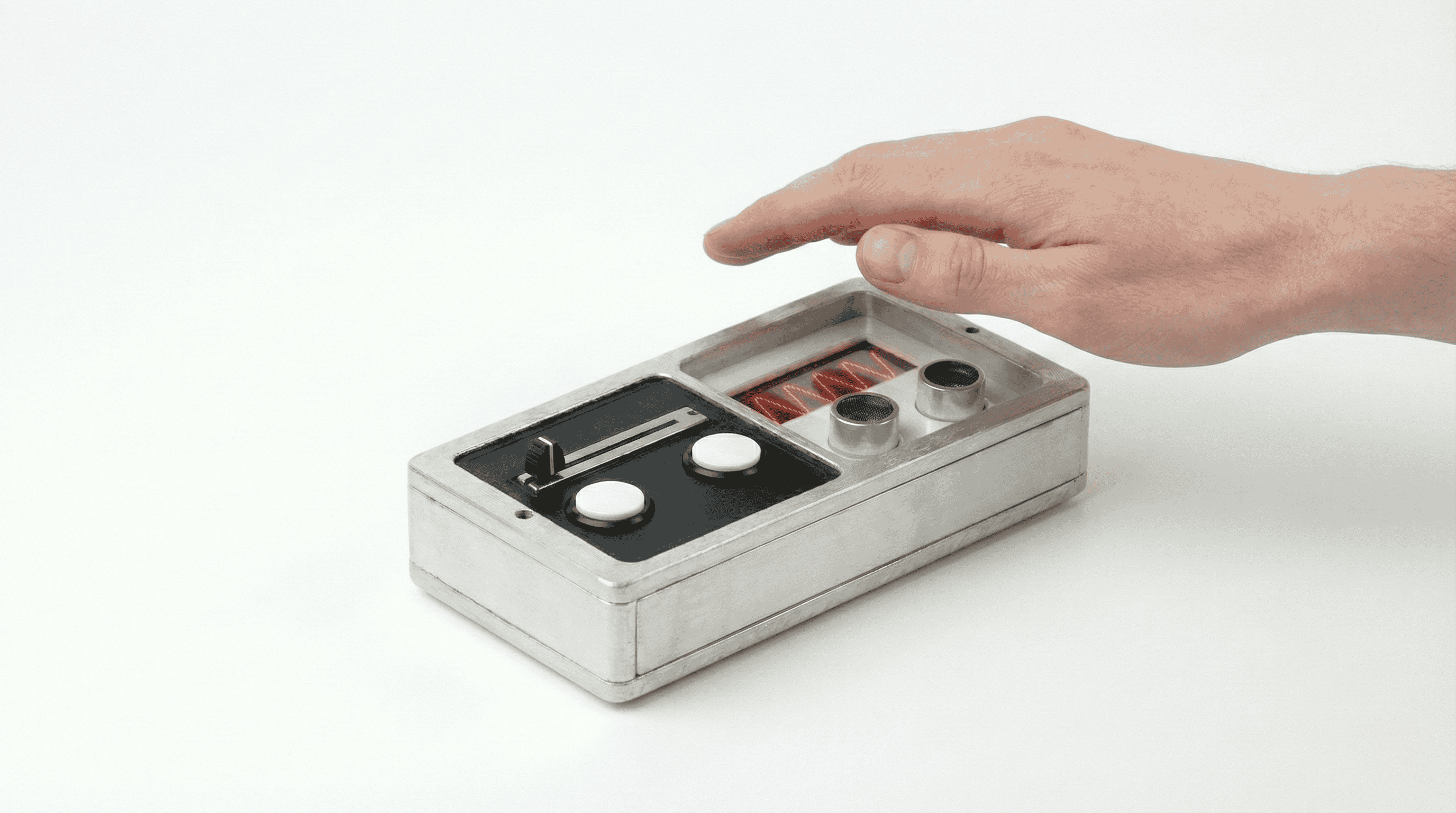
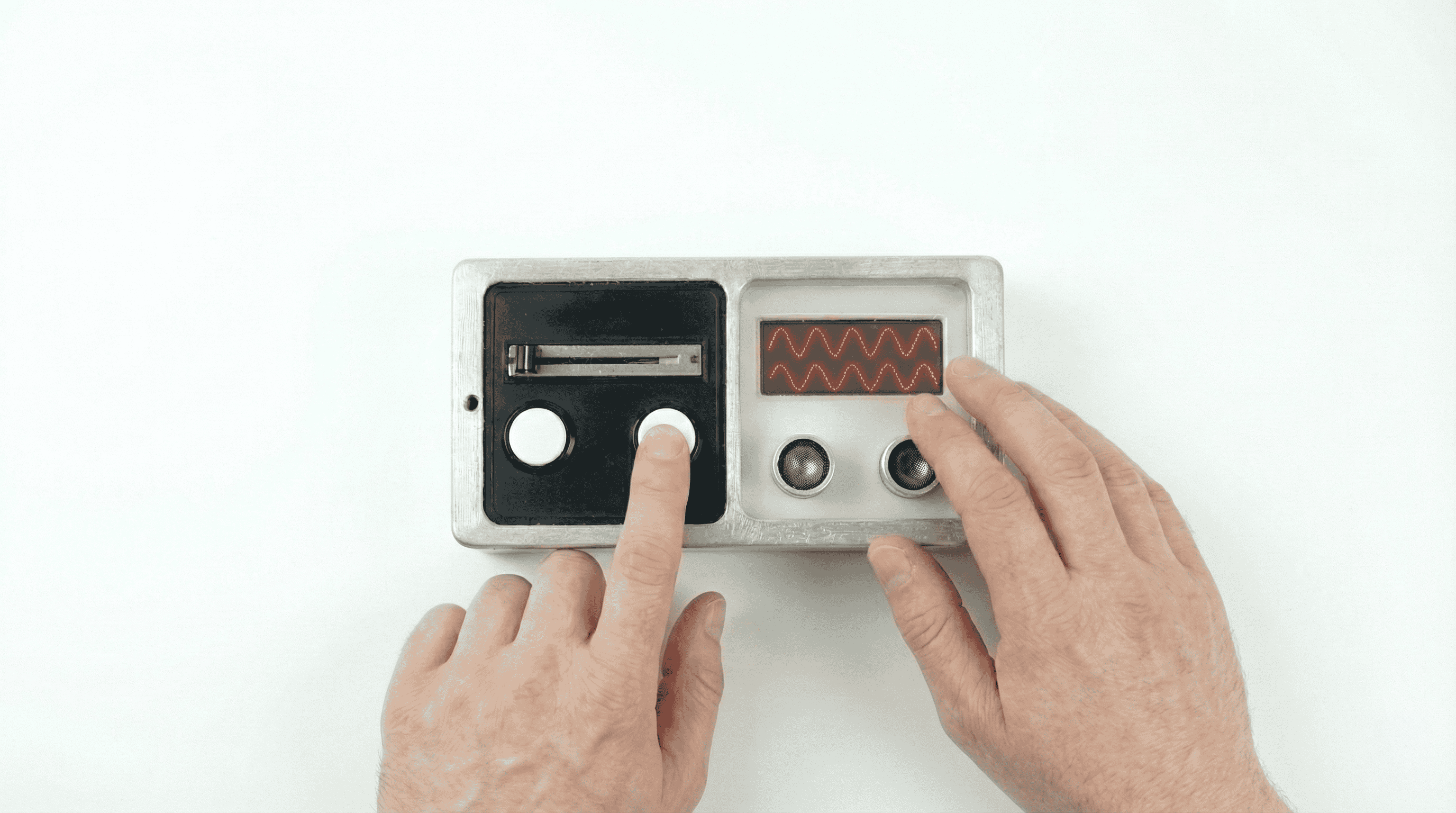
Following the functional validation, I transitioned to explore the potential form factor beyond the breadboard. I generated 3D renders that focused on housing the sensor and controls in a brushed aluminum enclosure, prioritizing a clean, minimal aesthetic that maintains the ergonomic relationship between the user's hand and inputs.